
The house feels wrong, you walk to the hallway to adjust the temperature, and the thermostat either shows you nothing, shows you something and ignores your taps, or insists the room is 68 when you can see your breath. A thermostat not working is frustrating out of proportion to its size, because it is the one part of the heating and cooling system you can actually touch, and it is lying to you. The useful news is that the screen itself sorts the problem into one of three buckets, and each bucket has a short list.
Before any of that, one fact that reframes most thermostat trouble: a standard thermostat does not have its own power supply. It runs on low voltage sent up a thin cable from the furnace or air handler, or on batteries, or both. So a thermostat that looks dead is very often reporting a problem somewhere else in the system, and that is why the first bucket starts at the furnace rather than at the wall.
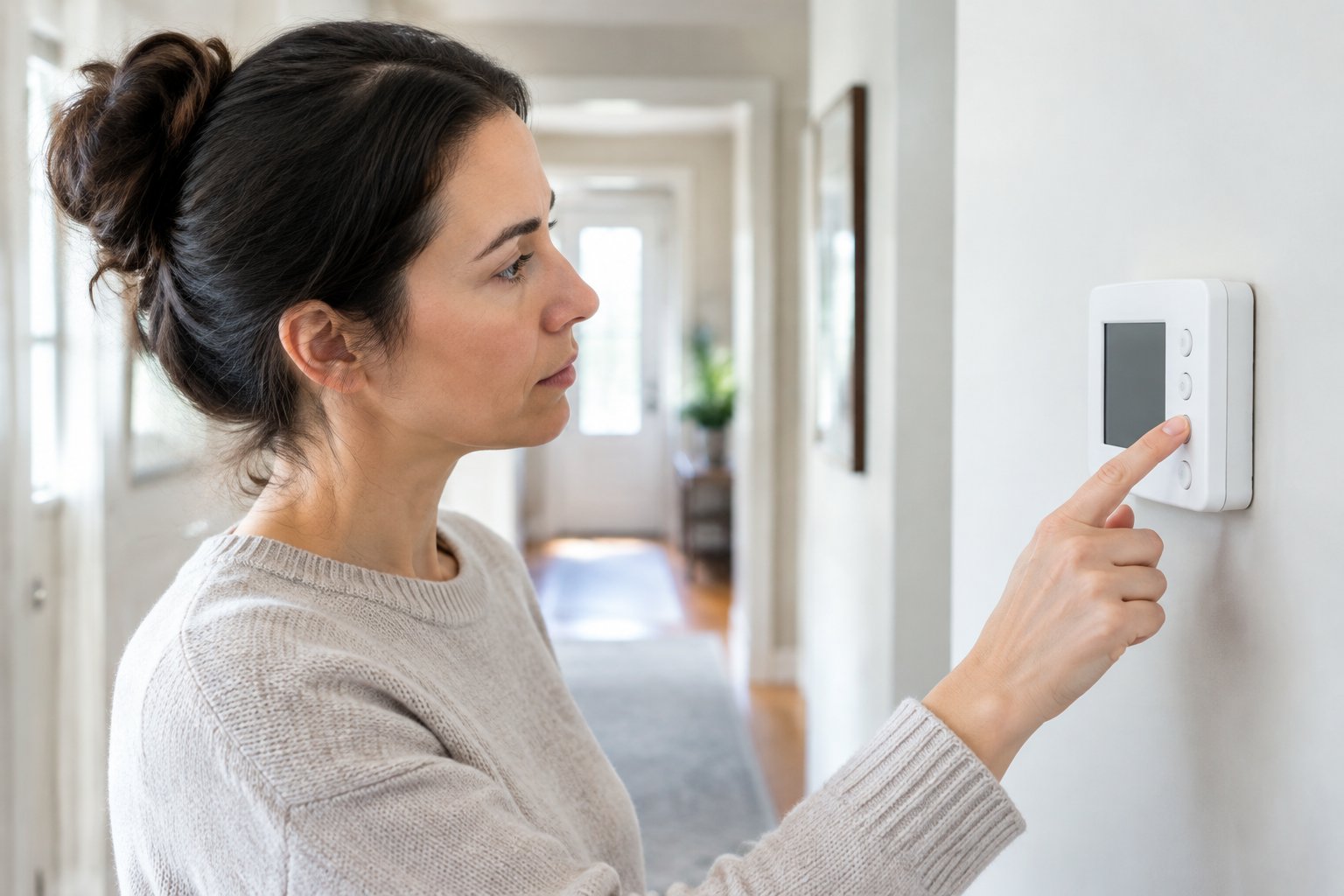
A blank screen means the thermostat has no power, and there are five places to look
Start with the obvious. If your thermostat takes batteries, replace them, even if they are "fresh." A battery thermostat that is also wired to the furnace can keep its screen alive on a dying battery while losing the ability to switch the system, so a fresh set solves two symptoms at once.
If the screen stays blank, the power is not reaching the wall, and the trail leads to the furnace or air handler.
Look for the switch. Most furnaces have a light switch on or beside the cabinet, and in a closet or garage it gets flipped off by accident. Then check the breaker panel for the breaker labeled furnace, air handler, HVAC or heat, and reset it fully off and then on if it is sitting in the middle. A breaker that trips again is a fault, not a reset problem; the post on why a circuit breaker keeps tripping explains when to stop resetting and call.
Third, the blower door. Furnaces have a door safety switch that cuts power to the control board when the blower compartment panel is not seated. If someone changed the filter and left the panel loose, the thermostat goes dark. Press the door until it clicks home.
Fourth, the furnace's own fuse. Many control boards carry a small automotive-style fuse, usually purple or blue, protecting the low-voltage circuit that feeds the thermostat. A short in the thermostat wiring, a wire nicked during a remodel, or a thermostat installed with two wires touching, blows that fuse. If you are comfortable opening the furnace panel with the power off, you can see whether the fuse is blown. Replacing it without finding the short just blows the new one, so this is usually the point to call.
Fifth, and this one surprises people in Las Vegas: the float switch. If your indoor unit is in the attic or a closet and has a drain pan, there is often a safety switch that cuts power when the pan fills with condensate. It is a summer problem mostly, since the AC produces the condensate, but a drain that clogged in September can leave the thermostat blank in October. Water in the pan or water staining under the unit is the tell.
A screen that is on but does nothing is a settings, wiring or compatibility problem
If the display works and the system does not respond, the thermostat is powered and the furnace is probably fine. The question is why the request is not getting through.
Check the mode and the setpoint. Heat means heat, Cool means cool, and Auto on some models means the thermostat chooses, with a dead band in between where it does nothing. Set the mode deliberately and move the setpoint at least five degrees past the room temperature. Then wait. Most thermostats hold a delay of up to five minutes between cycles to protect the compressor, and the screen may say "waiting" or show a flashing snowflake or flame. Tapping harder does not shorten it.
If the mode is right and nothing happens after five minutes, pull the thermostat gently off its base. The wires attach to terminals marked R, W, Y, G and C. A wire that has slipped out of its terminal, a corroded end, or a base that is not seated squarely onto its pins will stop the signal while leaving the screen lit. Push each wire in and reseat the thermostat. If you see a terminal with no wire where the old thermostat had one, or a C terminal that is empty on a smart thermostat, that is the problem, and it is covered next.
A thermostat that was recently replaced and has never worked properly belongs in this bucket too. Smart thermostats generally need a common wire for continuous power, and homes built before the 2000s often did not run one. Without it, the thermostat steals power through the furnace circuit, which can make the furnace click on and off, show odd behavior, or drop out. Two-stage furnaces, heat pumps with backup heat, and systems with a separate humidifier or zone board also need the right thermostat model and the right wiring diagram, and a generic swap can leave half the system unreachable.
A wrong temperature reading is almost always about where the thermostat lives
The thermostat says 74. The living room feels like 68. Nobody is wrong; the thermostat is measuring the air around itself, and that air is not the air you are sitting in.
Walk over and look at the wall. A thermostat that gets afternoon sun through a west window reads warm every afternoon and shuts the heat off early. One mounted near the front door, a supply register or the kitchen reads whatever is nearest. One on an exterior wall reads the wall temperature, which in a Las Vegas winter is colder than the room. A lamp placed on a console table under it will keep the AC running in July.
If the location is reasonable, open the cover and look at the sensor. Dust and the fine grit that gets into every house in this valley settle on the sensor and insulate it, so it responds slowly and reads slightly off. A soft brush or a puff of air clears it. Some thermostats also allow a calibration offset in the settings menu, which is the right fix for a unit that reads consistently two degrees high.
Then consider the house rather than the thermostat. A thermostat in a hallway can be perfectly accurate while the far bedroom runs six degrees different because of a duct leak, a closed register or a room that faces the sun. That is a comfort problem the thermostat cannot fix, and the post on signs you need HVAC repair covers the airflow and duct issues behind it.
Short cycling and a system that will not shut off are thermostat symptoms too
Two behaviors sit between the buckets. A system that starts, runs a few minutes, stops, and starts again is short cycling. On the thermostat side, the causes are a unit mounted where a nearby register blows on it, a loose wire making intermittent contact, or an anticipator or cycle rate setting that is wrong for the system. On the equipment side, a clogged filter or an overheating furnace does the same thing, which is why a short cycling furnace is worth a filter check before anything else.
A system that will not turn off even with the thermostat set to Off usually has a stuck relay on the furnace control board or two wires shorted together behind the thermostat. Shut the system off at the furnace switch and have it looked at, because a stuck relay can run a blower or a compressor continuously until it fails.
Smart thermostats add Wi-Fi to the list of suspects
A connected thermostat that works from the wall but not from the app is a network problem, not an HVAC problem. Power cycle the router, confirm the thermostat is still on the right Wi-Fi network, and check for a firmware update waiting to install. A smart thermostat that keeps restarting, shows a low-power warning, or loses its schedule is often the common wire issue from earlier, since without steady power it cannot keep its radio running.
One more thing to know about the smart models: many of them have a setting that locks out the system during a utility demand-response event if you have enrolled in one. If the AC refuses to run on a hot afternoon and the screen shows an energy event icon, that is the program working, not a failure.
Where the thermostat ends and the warranty begins
A thermostat problem is usually one of two things: a small item on the wall, or a signal that the furnace or air handler behind it has a fault. The second kind, a failed control board, a blown low-voltage fuse caused by a worn-out component, a blower or compressor relay that has stuck, is a breakdown of the heating and cooling system through normal wear and tear, and that is what a home warranty exists for.
HVAC coverage is part of every Dwellness plan. When the thermostat goes dark and the checks above lead you to the furnace, you submit a service request online, around the clock, or call (702) 641-8888, and a licensed local contractor is dispatched to diagnose the system. For an existing home you have just bought, there is no requirement to show maintenance records, and the Enhanced and Premium plans add coverage for mismatched systems and improper prior installation, which is where a lot of "new thermostat never worked right" stories end up. How thermostats themselves are treated depends on the contract, so read the service agreement or ask when you get a quote.
The HVAC home warranty page describes covered heating and cooling breakdowns, and the post on whether a home warranty covers HVAC walks through the usual exclusions, including damage from a DIY installation. If your blank screen traced back to a breaker that will not hold, the electrical home warranty page is the one to read, since that is a different trade.
A thermostat that misbehaves is usually telling you something true about the rest of the system, and ten minutes with the batteries, the furnace switch, the breaker and the blower door answers most of it. For the failures behind the wall, a plan that already covers the HVAC system turns a cold hallway into a service request. See what coverage looks like for your home: request a free quote at dwellness.house, or call (702) 509-7007 to talk to the Dwellness team.