
It is the second week of June, the bedroom is already warm at ten at night, and the fan over the bed is sitting dead still. You press the remote. Nothing. You get up and flip the wall switch a few times. Still nothing. A ceiling fan not working in a Las Vegas summer is not a small annoyance, because the fan is what lets the air conditioner rest; the U.S. Department of Energy notes a ceiling fan lets you “raise the thermostat setting about 4°F with no reduction in comfort” (energy.gov). The useful thing is that fans fail in a handful of recognizable ways, and the exact symptom usually tells you the cause before anyone gets on a ladder.
Match what you are seeing to the sections below. The first few are things you can fix standing on the floor. The later ones need the breaker off and, in most cases, a licensed electrician.
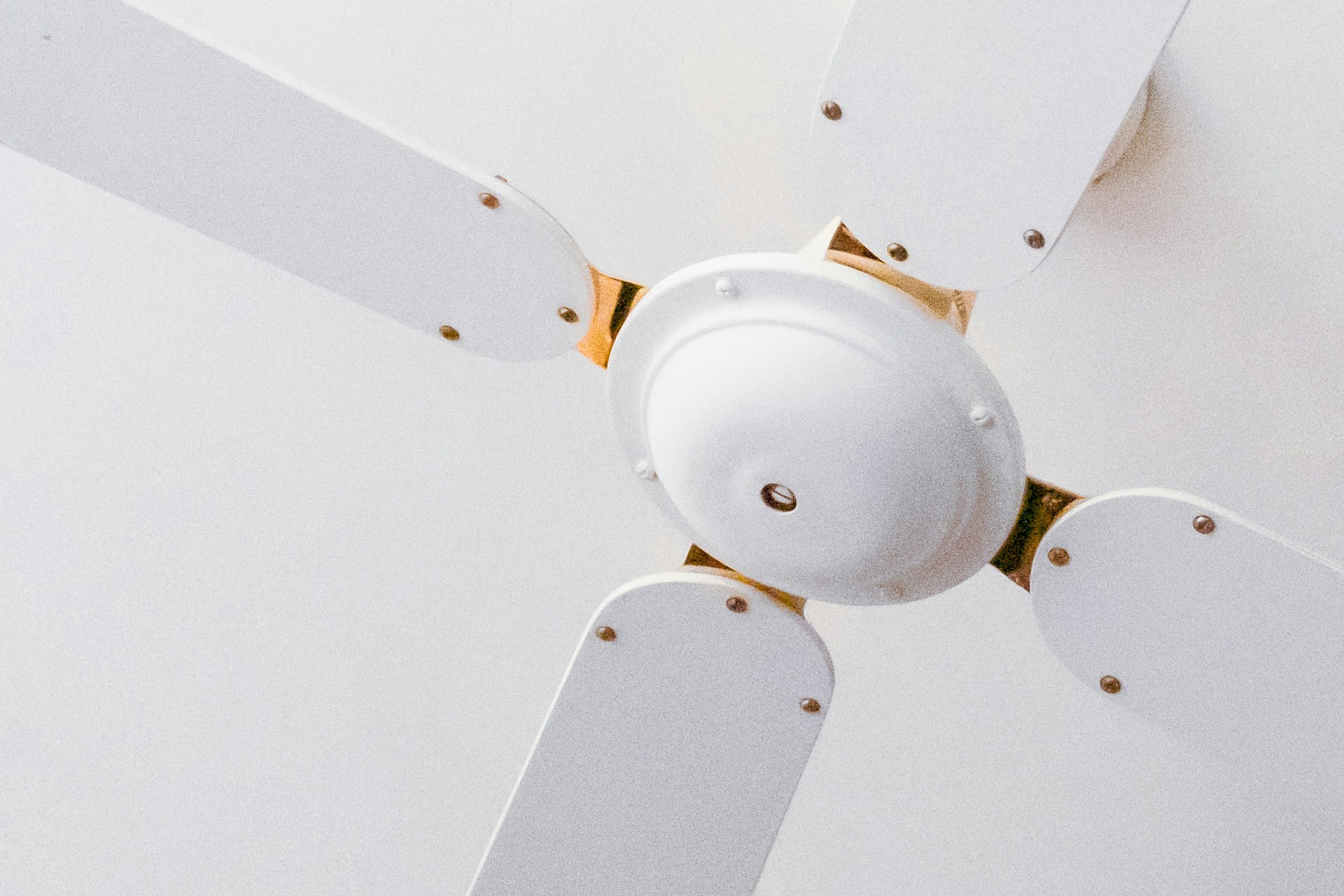
Both the fan and the light are dead
When nothing on the fan responds, the fan is not getting power, and the fan itself is rarely the reason.
Check the wall switch first, and remember that many fans are wired through two switches, one for the fan and one for the light, or a single switch feeding a remote receiver. Flip every switch in the room, including any that seem to do nothing. Next, the breaker: look for one sitting between On and Off, push it fully Off and back On, and touch nothing but the handle. If it trips again, leave it off; the post on why a circuit breaker keeps tripping covers what that means.
If the fan has a remote, the receiver tucked inside the canopy at the ceiling is the next suspect. Receivers fail more often than any other part of a remote-controlled fan, partly because the canopy traps heat and in a Las Vegas attic-adjacent ceiling that heat is considerable. A fan that has been dead to both the remote and the wall switch for no reason often has a cooked receiver. Replacing one is a job done at the ceiling with the breaker off, which puts it in electrician territory.
The light works but the fan does not
Power is reaching the fixture, so the fault is in the fan's own path. Pull chains come first. The fan chain cycles through off, high, medium and low, and a chain pulled one notch too far lands on off. Pull it through all four positions slowly. If the chain feels loose, spins freely, or came out in your hand, the pull-chain switch inside the housing has broken, which is a common failure on a fan that has been switched by chain for years.
Look next at the reverse slide switch on the motor housing. If it has been bumped to the middle position between forward and reverse, many fans will not run at all. Push it firmly to one side. While you are there, the post on clockwise versus counterclockwise fan direction explains which way it should sit for summer.
If the chain and slide switch are fine, the capacitor or the receiver's fan channel has likely failed, which is the next section.
The fan hums but does not spin, or spins only if you push it
This is the signature of a failed capacitor. The capacitor is a small rectangular or cylindrical component inside the switch housing that gives the motor the kick it needs to start turning and sets its speeds. When it weakens, the motor hums or buzzes, the blades twitch, and the fan will often run normally if you give a blade a push by hand. When it fails completely, the fan does nothing but hum.
Capacitors are wear items, and they wear faster in heat. A fan that has run every night for ten Las Vegas summers has asked a lot of a component rated for a certain number of hours at a certain temperature. If the fan is humming and not turning, switch it off at the wall so the motor is not left energized and stalled, which overheats the windings. Replacing a capacitor is inexpensive in parts and quick for a technician, but it means opening the switch housing with the breaker off and matching the capacitor's values exactly, so it is not a first-time project.
If the blades resist turning by hand, or feel gritty or stiff, the bearings have seized rather than the capacitor failing. On most fans that is the end of the motor.
The fan runs slowly, on one speed only, or at the wrong speed
Also the capacitor, nearly every time. Most fan capacitors have multiple sections, one per speed, and they fail one section at a time. A fan that has lost its high speed, or that runs at the same lazy pace on every setting, has a capacitor with a dead section. Dust on the blades and in the motor vents makes it worse, since a loaded fan draws more from a capacitor that is already weak. Wipe the blades and the motor housing vents before you decide the fan is failing; in this valley a summer of dust is enough to slow a fan noticeably. The post on ceiling fan maintenance covers the cleaning and tightening routine that keeps a fan running at its rated speed.
The remote does not work but the pull chains do
Start with the batteries, including the ones that "should be fine." Then check that the remote and receiver are on the same frequency code; most have small dip switches inside the battery compartment and inside the receiver, and a remote from another room or a replacement remote may be set differently. Hold the fan button for a few seconds to re-pair models that pair electronically. If the remote is confirmed working (a sibling fan responds to it, or an app on a smart model shows it transmitting) and the fan ignores it, the receiver in the canopy has failed, and that goes back to the electrician.
The fan wobbles, clicks or rattles
A wobbling or noisy fan is still a working fan, and it is usually a balance or a loose-screw issue rather than an electrical one. Tighten the blade screws, the blade-bracket screws and the screws holding the canopy and downrod, with the fan off. Use the balance kit that came with the fan, or a clip and a coin, to find the heavy blade. A click once per revolution is almost always a blade bracket touching something or a loose screw. A grinding or scraping noise from the motor is different; that is bearings, and the fan should be shut off until it is looked at.
The fan stops after running a while
A fan that runs for twenty minutes and then shuts itself off, then runs again once it has cooled, is tripping its thermal protection. The motor is overheating, usually from a combination of dust packed in the vents, a weak capacitor making the motor work harder, and a hot ceiling cavity. Clean it first. If it still cycles off, the motor is on its way out.
Where to stop and call
Anything that involves lowering the canopy, opening the switch housing, replacing a capacitor, a pull-chain switch or a receiver, or touching the wiring at the ceiling box should be done with the breaker off and, in most homes, by a licensed electrician. A fan box carries the fan's full weight, and a fan that has been wobbling for years can loosen the box or the bracket, which is something to check while the canopy is down. A burning smell from the motor, scorch marks on the housing, or a fan that sparks inside means switch it off at the breaker and do not run it again until it has been inspected.
A failed ceiling fan is a covered electrical breakdown
Ceiling fans are part of the electrical system a home warranty covers, and at Dwellness that coverage starts with the Essential Plan. A capacitor, a pull-chain switch, a receiver or a motor that has worn out from normal use is the kind of breakdown a service request is for: file it online at any hour or call (702) 641-8888, pay the per-trade service fee, and a licensed local technician comes out. The Enhanced Plan, which the plans page notes is the most popular, adds ceiling fan replacement of like quality when a fan cannot be repaired, which matters for an older fan whose parts are no longer made. Dwellness resolves more than 85 percent of claims on the initial visit, and a fan repair is usually one of those.
What the contract will not cover is the dust, the balancing and the loose screws, which are maintenance, or a fan damaged by someone hanging from it, by a DIY install, or by a condition that existed before coverage began. For the specifics on what counts, see the ceiling fan home warranty page and the Enhanced Plan page. Buying coverage requires no maintenance records for the fans.
A dead fan on a June night is usually a pull chain, a bumped slide switch or a remote that needs batteries, and those take a minute. A humming fan is nearly always a capacitor. Everything else sits behind the canopy, where a plan that already includes the electrical system makes the fix a single call. See what coverage would look like for your home by requesting a free quote at dwellness.house, or call (702) 509-7007 and the team will walk you through the plans.